Comedy show flyer templates and maker. Free.
Your show, on a poster: choose a comedy show flyer template, add your photo and your show, and download it sized for Pinterest, your feed or your story — with the caption written for you.
3,713 working comedians have a page on D.O.C.; for the 1,301 with dates on the Comedy Calendar, the templates fill themselves. Not on D.O.C. yet? Type it all yourself →

The comedy show flyer templates, filled in
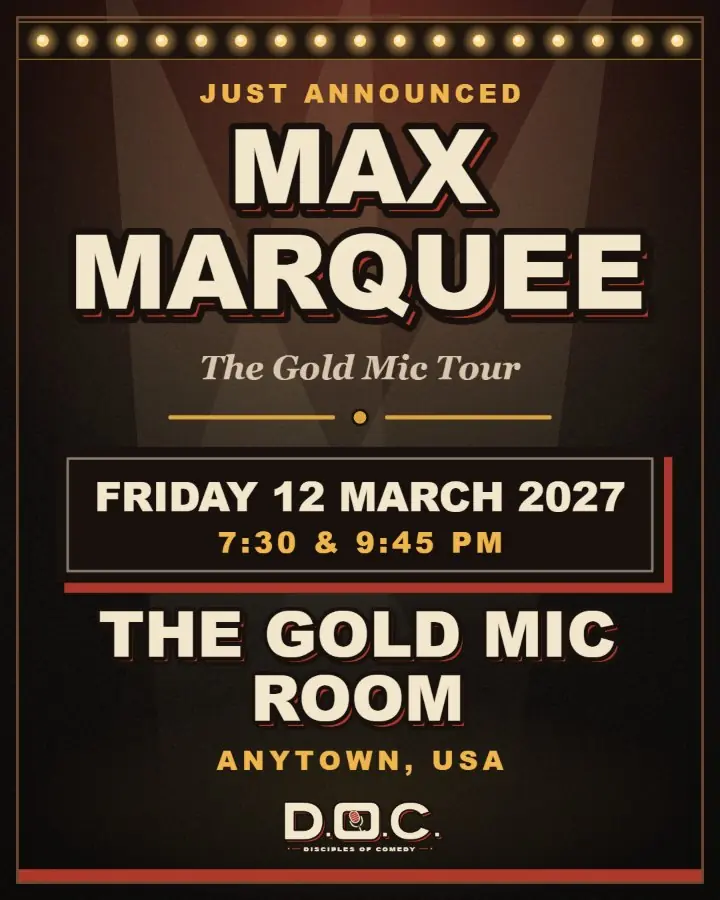
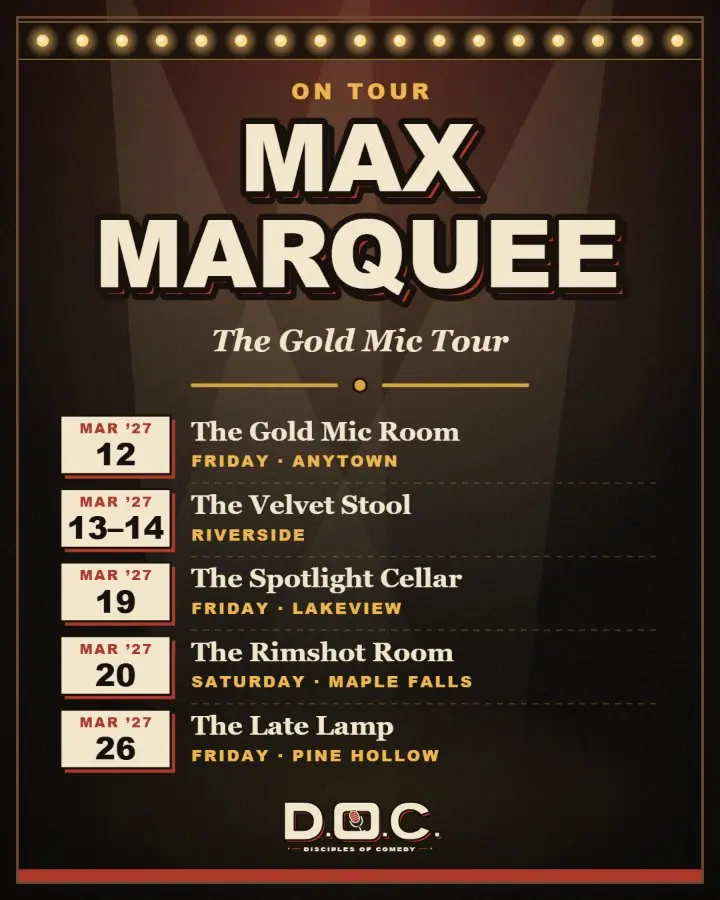
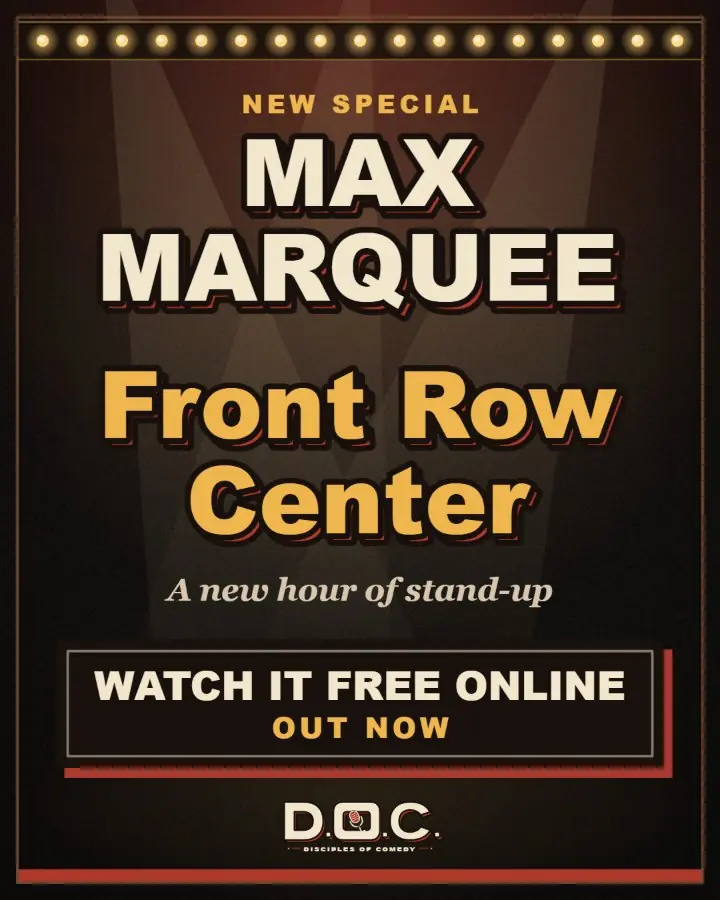
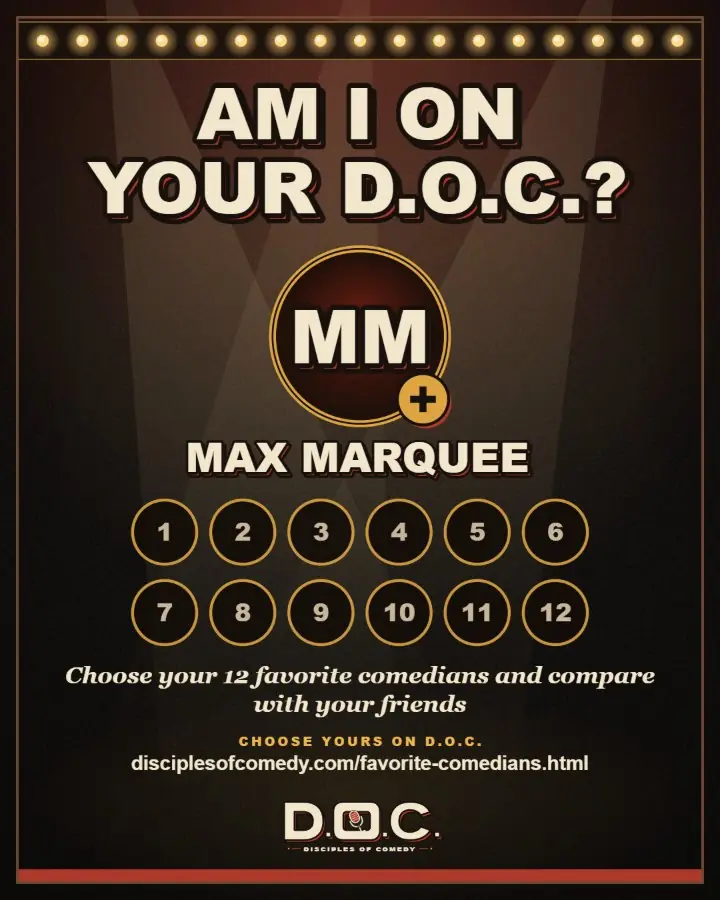
Four templates, each shown here for a made-up comedian and made-up rooms. Pick one and it opens in the studio below, ready for your name and your show.
Choose a template
Make your comedy show flyer
Free for comedians. No fee, no sign-up, no paid placement. Your photo and your words stay on your device.
The caption, written for you
Written from your details for each platform, to go with the graphic. Change any of it; Copy takes it as it reads.
What goes on a comedy show flyer
A flyer gets about a second of a stranger’s thumb. Give it what a fan needs to say yes, and nothing that makes them squint:
- Your name, as the room bills it. The biggest words on the graphic.
- What the night is. The tour or the show’s name, if it has one, or who is on with you.
- The day and the date, both. “Friday 12 March” saves a fan counting on a calendar.
- Every show time that night, then the room and the town.
- Where to buy, as a short link a person can read and type. The full ticket link goes in the caption.
- The age limit, if the room has one, so nobody brings a younger friend who is turned away at the door.
- One photo of you that still reads at the size of a thumbnail.
Leave parking, the menu and the fine print to the ticket page. Then post it more than once: the “Which post is this?” box puts the words for each moment of a show’s run across the top, from Just announced and Two weeks out to Tomorrow night and Tonight. Promoting your comedy show says when each post goes up, with the posts written platform by platform.
Questions about the Promo Studio
Is the Promo Studio free?
Yes, for any comedian, with a page on D.O.C. or without one. There is no fee, no sign-up and no paid placement: no one can pay to be shown ahead of anyone else, here or anywhere on D.O.C.
Where does my photo go?
Nowhere. Your comedy show flyer is made in your browser: a photo or artwork you add is read on your device, drawn into the picture there, and never uploaded. Nothing you type is sent anywhere either.
Which photo can I use?
Your own: one you took, or a press photo that is yours to use. The graphic carries only the picture you add, so you know exactly what is in it.
Where do my dates come from?
From D.O.C.’s Comedy Calendar: shows listed by the rooms, the ticket sellers and your own tour page, brought up to date every day. Every word on the graphic stays yours to change, and a date that isn’t on the calendar can be typed in.
I’m not on D.O.C. yet. Can I still use it?
Yes. Type your name and your show by hand and everything works the same. A SUCDb record gives you a page on D.O.C., and from then on your dates fill the templates for you.
Which size goes where?
Pinterest pin, 1000 × 1500: a pin keeps turning up in searches for weeks. Feed, 1080 × 1350: Instagram and Facebook posts, where the taller shape fills more of the screen. Square, 1080 × 1080: anywhere a square fits. Story, 1080 × 1920: Instagram and Facebook stories, and TikTok.
Can I print my flyer?
Yes, small. The Pinterest size, 1000 × 1500, has the shape of a 4 × 6 inch photo print and prints sharp at that size. For a poster on the room’s wall, ask the room what size it prints, and send it your photo and the same details.
How do I post it?
From your own account: download the image, or share it straight from your phone, and paste the caption. On a computer, Facebook’s share window opens with your link. D.O.C. doesn’t connect to your social accounts or post for you.
Why download it for Pinterest?
Pinterest saves a pin from an image already on the web, and this one is made on your device. Download it, create a pin on Pinterest with the image, and paste the caption and your link.
What does “Am I on your D.O.C.?” do?
It asks your fans to put you in their D.O.C.: the twelve comedians they follow, which they can compare with their friends. Your link opens your page on D.O.C., where a fan adds you with one tap, and from then on your next date shows up for them.

More for your career on D.O.C.
- Filling the Room when to post, the posts written platform by platform, and filming a set
- Tour dates widget for comedians your dates on your own site, free, with your follow link
- Your SUCDb record your story, your dates and your terms, in your own words
- Comic's Corner the free tools for comedians on D.O.C.
Updated · Privacy